
Download Salah 3D Islamic Prayer – Learn Prayer with Interactive 3D Animations
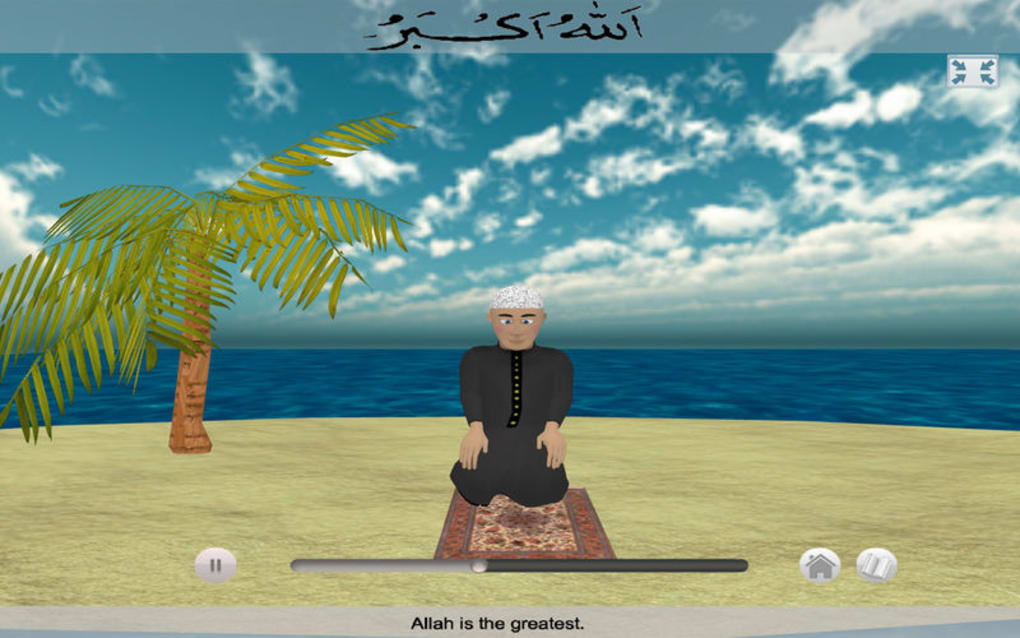
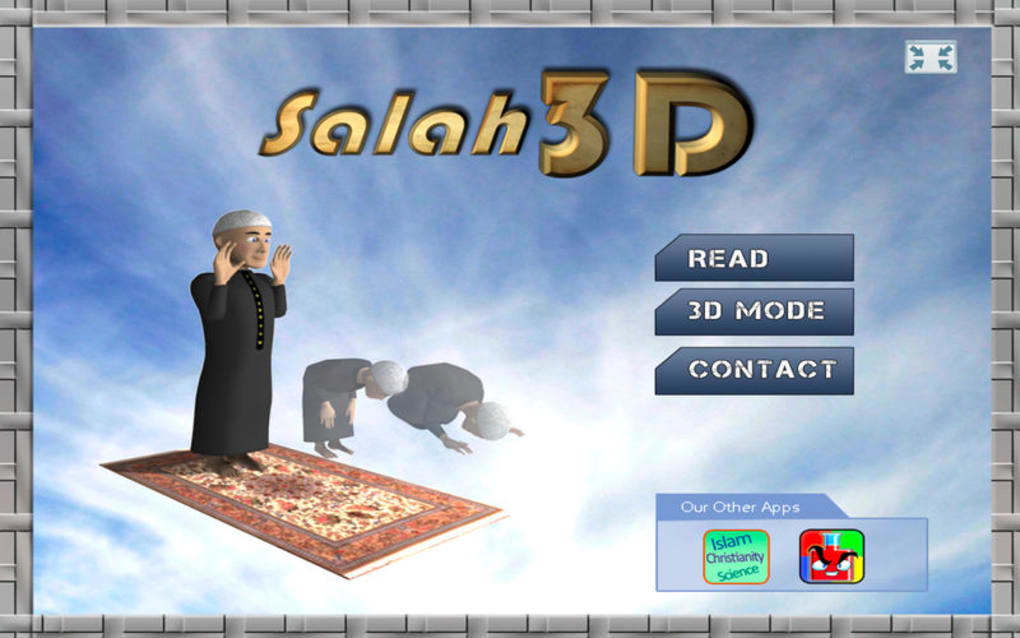
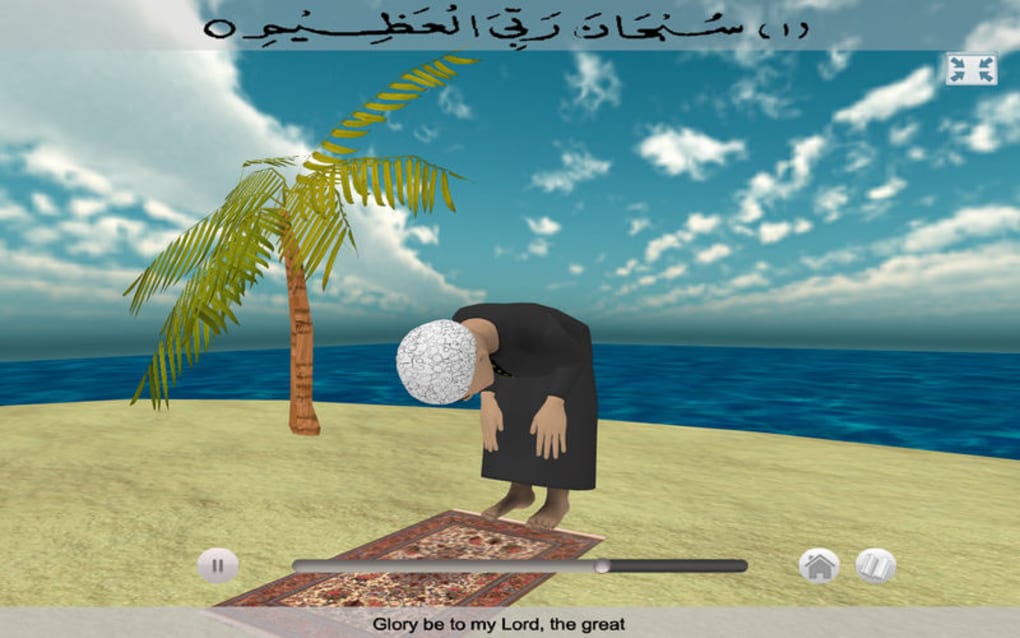
Salah 3D Islamic Prayer is a vibrant educational app designed to make the five daily prayers (Salah) accessible, engaging, and easy to master for Muslims of every age. Built around bright colors, smooth 3‑D animations, and step‑by‑step audio guidance, the app transforms the traditional learning process into an interactive experience. Whether you are a complete beginner, a teenager looking to deepen your practice, or a parent wanting a child‑friendly tool, Salah 3D provides a secure, ad‑free environment where users can watch, listen, and repeat each position of the prayer at their own pace.
The app also includes a progress tracker, reminder alerts, and a built‑in recitation timer to help reinforce consistency. By combining visual learning with auditory cues, Salah 3D removes the intimidation factor often associated with learning prayer rituals, turning it into a joyful routine that encourages regular worship and spiritual connection. Its free download model and regular updates ensure that the content stays relevant, culturally accurate, and compatible with the latest mobile operating systems.
Key Features that Set Salah 3D Apart
- Full 3‑D animated walkthrough of each prayer position (standing, bowing, prostration, and sitting).
- Clear, native‑language audio narration for every step, with optional repeat mode.
- Interactive touch controls allowing users to pause, rewind, or speed up the animation.
- Progress tracker that records completed prayers and offers gentle daily reminders.
- Kids‑friendly visual theme with bright colors and friendly characters to maintain attention.
- Offline mode – all content is stored locally after the first download, ensuring learning without internet.
- Secure, ad‑free experience with no hidden in‑app purchases; the core learning suite is completely free.
- Regular content updates that incorporate feedback from scholars and educators.
- Multi‑language support for English, Arabic, Urdu, and Turkish.
- Built‑in timer for each prayer segment to help users maintain proper pacing.
Installation, First‑Time Use, Compatibility, and Real‑World Pros & Cons
Installing Salah 3D is straightforward. Open the App Store (iOS) or Google Play Store (Android), search for “Salah 3D Islamic Prayer,” and tap the “Install” button. The download size is under 80 MB, and the app requires Android 6.0+ or iOS 12.0+.
After installation, launch the app and grant permission for notifications to receive prayer reminders. The onboarding wizard walks you through language selection, preferred prayer times, and optional parental controls. Once set, the main dashboard presents a clean layout: a “Start Learning” button, a “My Progress” tab, and a “Settings” gear icon.
Pros:
- Highly engaging 3‑D visuals keep users motivated.
- Free core content with no intrusive ads.
- Offline capability ensures learning anywhere.
- Multi‑language support broadens accessibility.
- Regular updates keep the app culturally accurate.
Cons:
Overall, the app’s strengths far outweigh the minor drawbacks, especially for beginners and families. Compatibility with both major mobile platforms ensures that virtually any user can benefit, while the lightweight design respects device performance.
Frequently Asked Questions & Final Thoughts – Start Your Salah Journey Today
Is Salah 3D completely free?
Yes, the core learning modules, animations, and audio guides are free. There are no hidden in‑app purchases or ads.
Can I use the app without an internet connection?
After the initial download, all content is stored locally, so you can learn offline anytime.
Which languages are supported?
The app currently supports English, Arabic, Urdu, and Turkish, with plans to add more languages in future updates.
How does the progress tracker work?
Each completed prayer sequence is logged in the “My Progress” tab, showing streaks, total prayers learned, and upcoming reminders.
Is my data safe and private?
Yes. The app does not collect personal identifiers, and all data is stored locally on your device. No third‑party analytics are used.
If you’ve been searching for a reliable, engaging way to master the five daily prayers, Salah 3D Islamic Prayer offers exactly that – a free, secure, and visually captivating tool that turns learning into a joyful habit. Download the app today, set your reminder schedule, and watch as each prayer step becomes second nature. Embrace the spiritual benefits of consistent Salah, and let Salah 3D guide you every step of the way.
Pros: Engaging 3‑D visuals, free content, offline mode, multi‑language support.
Cons: Limited advanced scholarly material, minor lag on very old devices.







